
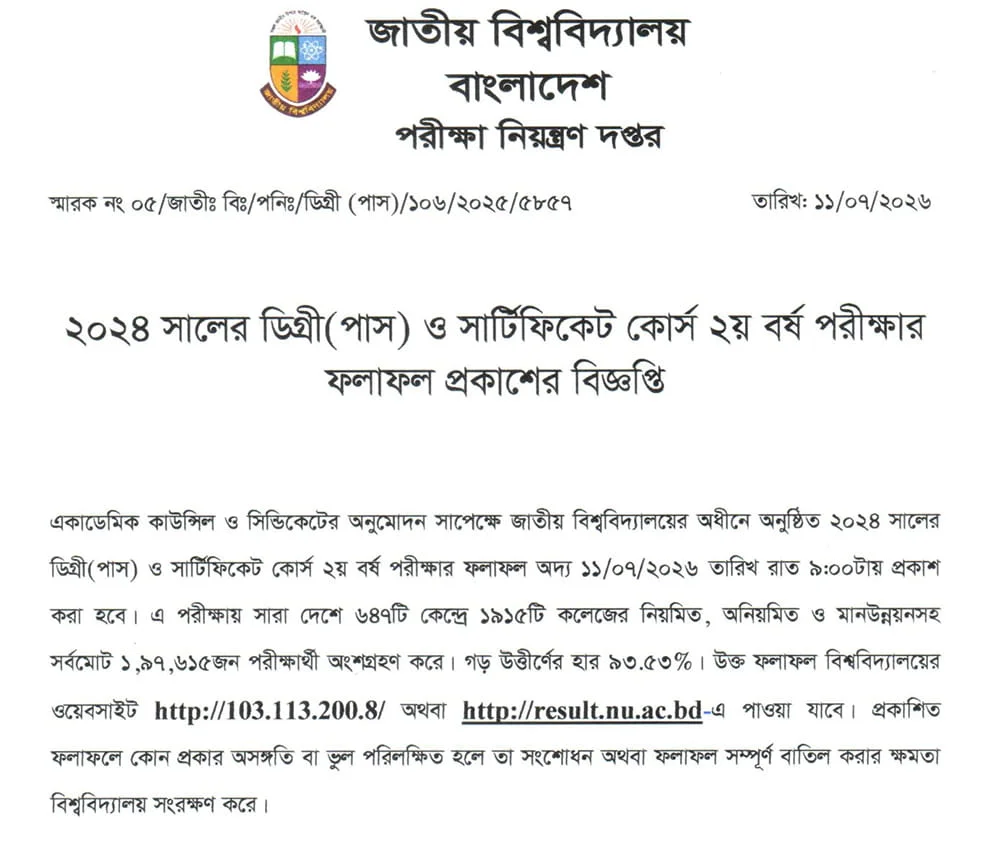
On July 11, the National University authority issued Degree 2nd year result 2026. The NU degree result is now available on the www nu ac bd results website. The total pass rate is 93.53 % percent. Students can check their results by logging in to the official website with registration number and Exam Year from 09.00 p.m. We are here to discuss how to check degree results and other important relevant issues. So read the entire article without hesitation and check your expected NU results 2026.
NU Degree 2nd Year Result 2026 [Exam Year: 2024]
The Degree 2nd year pass and certificate program final exam 2024 held at the National University from April 20, 2026. Due to the July occurrence, the exam was postponed, and according to the revised routine the exam was concluded on May 18, 2026. The results will be released today, 11 July 2026 at 9.00 p.m. The exam was taken in 647 centers nationwide from 1915 colleges. There were a total of 1 lakh 97 thousand 615 participants in the exam.
| Exam name | Bachelor Degree Pass 2nd Year Result |
| Exam Held | 20th April 2026 – 18th May 2026 |
| Result Announced | 11th July 2026 |
| Official Website | www.nu.ac.bd/results |
| Alternative Website | www.nubd.info/results |
How to Check Degree 2nd Year Result?
Candidates can check their NU degree second-year result 2026 in two different ways. Online and Offline. In an online way, they can search their result on the official result portal. On the other hand, the offline way is the SMS method. Students have to send SMS from their mobile to 16222 number to know the results. Follow the process to get your results.
Online:
www.nu.ac .bd/results
- Click the result link- nu.ac.bd results
- Provide your registration and roll
- Choose your group BA, BSS, BSc, BBS, B Sports B Music, Certificate Course
- Write your Exam year – 2024
- Press the submit and view the degree 2nd year result marksheet
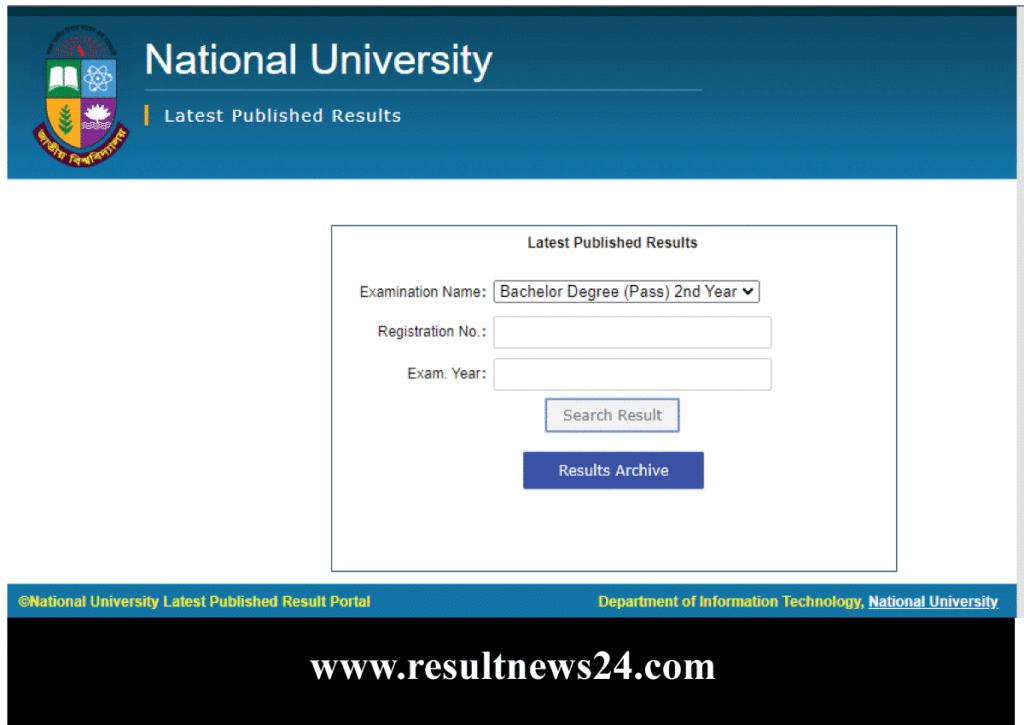
www.nubd.info/results
- Go to the link- nubd.info results
- Access the website by providing data
- Registration Number
- Examination Year 2024
SMS:
| Type | Send |
| NU <space>DGE <space> Registration | 16222 |
Follow these steps, and surely you will get your result within a few moments. If you face any barrier to checking nu results online, then follow the SMS way. It is time-saving and easy. In order to access your marksheet details, you will need to log in to the online website.